Reference
MetricsMetrics
On this page
- Quick sanity check
- Process and build
- HTTP requests
operationlabel values (bounded)- HTTP request histogram buckets
- Delta compression
decisionlabel values- Delta compression histogram buckets
- Cache
- Backend requests for listings
- Encryption conversion
- Backend downloads
- Backend request timing
- The slow-request log line
- Codec concurrency
- Multipart uploads
- Auth
- Replication copies
- Event outbox
- Config DB sync
- Background tasks
- Label cardinality
- Tokio runtime series (opt-in build flag)
- What's not in
/_/metrics - Implementation details
Every Prometheus metric the proxy exposes, with labels, types, and bucket boundaries.
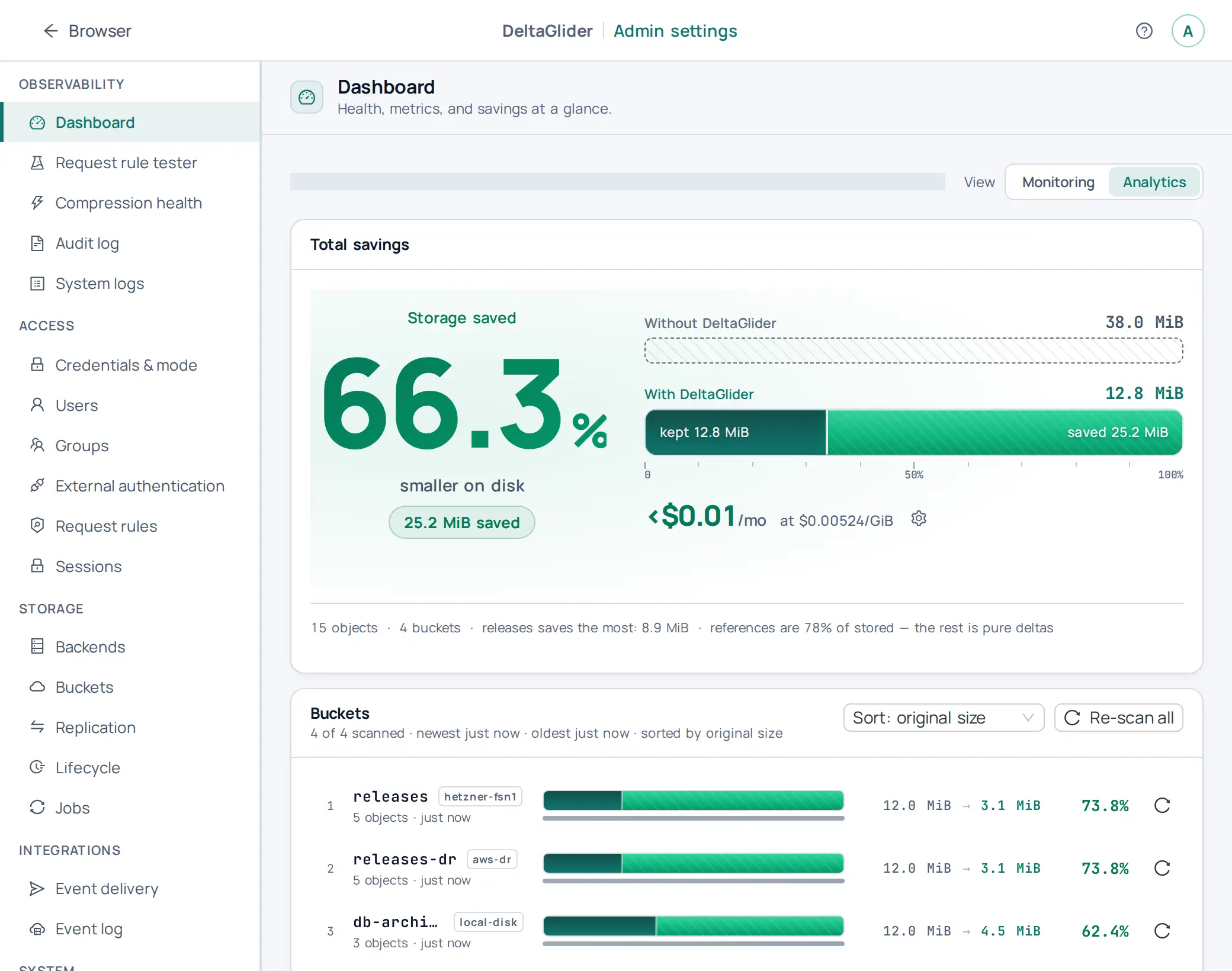
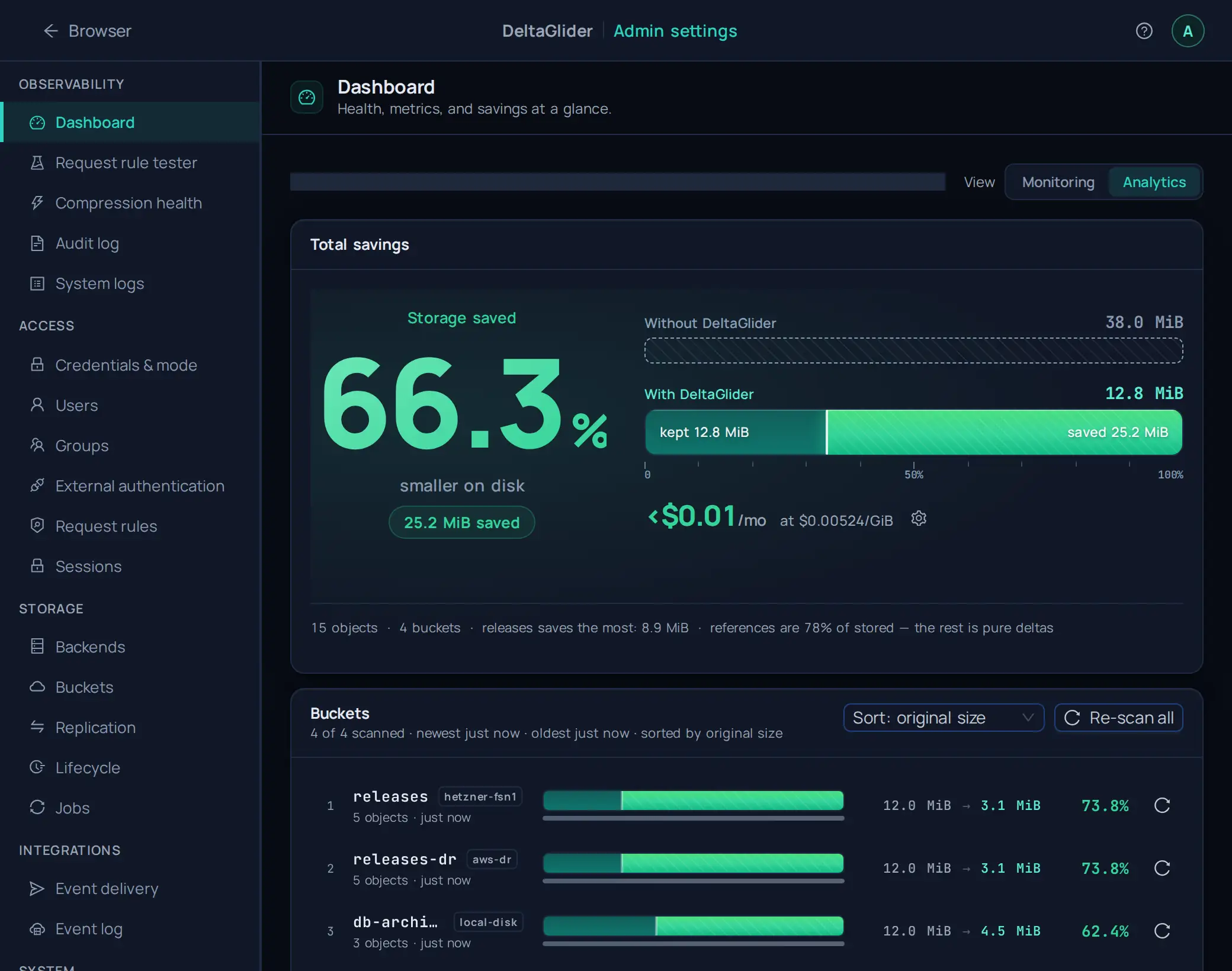
GET /_/metrics returns Prometheus text format on the same port as the S3 API. The proxy collects metrics with lock-free atomics on the hot path. It uses no mutexes and no sampling, and the collection has no measurable performance impact.
For scrape configuration, Grafana panels, and alerting rules, see How to monitor with Prometheus and Grafana.
Quick sanity check#
curl -s http://localhost:9000/_/metrics | head -20

# If you have promtool:
curl -s http://localhost:9000/_/metrics | promtool check metrics
Process and build#
| Metric | Type | Labels | Description |
|---|---|---|---|
process_start_time_seconds | Gauge | — | Unix timestamp when the process started |
deltaglider_build_info | Gauge | version, backend_type | Always 1. version is empty unless DGP_METRICS_EXPOSE_VERSION=true, because this endpoint is unauthenticated; the authenticated admin API (GET /_/api/whoami with a session) always reports the running version |
process_peak_rss_bytes | Gauge | — | Peak resident set size (updated on scrape) |
process_* (Linux only) | various | — | Standard process collector: RSS, CPU seconds, open FDs, virtual memory |
The endpoint is public by default so that any Prometheus can scrape it. Set DGP_METRICS_BEARER_TOKEN to require Authorization: Bearer <token> (or an admin session, which the dashboard uses); anonymous clients then receive 401 and cannot read the metric set, which changes from release to release. See Monitor with Prometheus.
HTTP requests#
| Metric | Type | Labels | Description |
|---|---|---|---|
deltaglider_http_requests_total | Counter | method, status, operation | Total requests by method, HTTP status code, S3 operation |
deltaglider_http_request_duration_seconds | Histogram | method, operation | Request latency distribution |
deltaglider_http_request_size_bytes | Histogram | method | Request body size distribution |
deltaglider_http_response_size_bytes | Histogram | method | Response body size distribution |
deltaglider_connections_refused_total | Counter | — | Connections that the listener closed at once because it had its maximum of open connections (see connection limits) |
operation label values (bounded)#
| Value | Meaning |
|---|---|
list_buckets | GET / |
head_root | HEAD / |
list_objects | GET /:bucket |
create_bucket | PUT /:bucket |
delete_bucket | DELETE /:bucket |
head_bucket | HEAD /:bucket |
post_bucket | POST /:bucket (batch delete) |
get_object | GET /:bucket/*key |
put_object | PUT /:bucket/*key |
delete_object | DELETE /:bucket/*key |
head_object | HEAD /:bucket/*key |
post_object | POST /:bucket/*key (multipart) |
health | a request to the path /health |
stats | a request to the path /stats |
metrics | a request to the path /metrics |
unknown | any other method, for example OPTIONS |
These series count S3 API requests only. The requests to the endpoints under /_/ (the admin UI, the admin API, /_/health, /_/ready, /_/stats, and /_/metrics itself) are not counted.
HTTP request histogram buckets#
- Duration: default Prometheus buckets (0.005s … 10s)
- Body sizes: exponential
[1KB, 10KB, 100KB, 1MB, 10MB, 100MB]
Delta compression#
| Metric | Type | Labels | Description |
|---|---|---|---|
deltaglider_delta_compression_ratio | Histogram | — | Ratio distribution (delta_size / original_size). Lower = better; 0.1 = 90% saved |
deltaglider_delta_bytes_saved_total | Counter | — | Cumulative bytes saved by delta compression |
deltaglider_delta_encode_duration_seconds | Histogram | — | Time spent in xdelta3 encode |
deltaglider_delta_decode_duration_seconds | Histogram | — | Time spent in xdelta3 decode |
deltaglider_delta_decisions_total | Counter | decision | Storage decision counts |
decision label values#
delta: stored as a delta patch against the reference baselinepassthrough: stored as-is (non-eligible file type, or poor compression ratio)reference: new reference baseline created for a deltaspace
Delta compression histogram buckets#
- Codec duration:
[1ms, 5ms, 10ms, 25ms, 50ms, 100ms, 250ms, 500ms, 1s, 2.5s, 5s, 10s, 30s] - Compression ratio:
[0.01, 0.05, 0.1, 0.15, 0.2, 0.3, 0.4, 0.5, 0.6, 0.7, 0.8, 0.9, 1.0]
Cache#
| Metric | Type | Labels | Description |
|---|---|---|---|
deltaglider_cache_hits_total | Counter | — | Reference cache hits (cheap Bytes refcount clone) |
deltaglider_cache_misses_total | Counter | — | Reference cache misses (triggers backend read) |
deltaglider_cache_size_bytes | Gauge | — | Current weighted cache size (updated on scrape) |
deltaglider_cache_entries | Gauge | — | Current number of cached reference entries |
deltaglider_cache_max_bytes | Gauge | — | Configured max capacity (constant, set at startup) |
deltaglider_cache_utilization_ratio | Gauge | — | weighted_size / max_capacity (0.0 to 1.0) |
deltaglider_cache_miss_rate_ratio | Gauge | — | misses / (hits + misses) since startup (0.0 to 1.0) |
The ratio gauges are pre-computed, so dashboards and alerts do not need PromQL arithmetic:
deltaglider_cache_utilization_ratio > 0.9   # cache nearly full
deltaglider_cache_miss_rate_ratio > 0.5     # cache thrashing
Backend requests for listings#
| Metric | Type | Labels | Description |
|---|---|---|---|
deltaglider_backend_head_requests_total | Counter | — | Object metadata (HEAD) requests that the proxy sends to S3 |
deltaglider_delegated_list_upstream_pages_total | Counter | — | Backend listing pages that client listings read |
deltaglider_delegated_list_probe_requests_total | Counter | — | Exact-key probes that client listings send to complete a page |
deltaglider_listing_facts_misses_total | Counter | — | Listed objects whose listing facts were not found, so the listing shows their stored size. An object stored before the index existed, or restored from a backend version, counts until a download or a HEAD request writes its index entry |
deltaglider_listing_facts_read_errors_total | Counter | outcome | Failed requests that read the listing facts index. retried: the proxy sent the request once more. failed: the second request failed too, and the listing page shows stored sizes where it could not read the index |
deltaglider_listing_token_misses_total | Counter | kind | Listed objects of an encrypted S3 backend that have no listing token. passthrough_inverted: the listing shows the exact size, computed from the stored size, and the stored ETag. delta_headed: a HEAD request during the listing gave the size and the ETag of a delta. unresolved: the listing shows the stored size. healed: a background HEAD request wrote a missing token again |
deltaglider_listing_facts_requests_total | Counter | kind | Requests for the listing facts index on S3 (.dg/facts/): list (a listing page reads the original sizes of its objects, or a cleanup finds old entries), put (an upload or a lazy backfill writes an entry), delete (a cleanup drops the entries of overwritten or deleted objects; one batched DeleteObjects request counts once) |
deltaglider_list_legacy_continuation_tokens_total | Counter | — | ListObjectsV2 requests whose continuation token has the old raw-key form instead of the opaque dg1. form. This release still accepts such tokens, and a later release refuses them. A value that stays at zero means that no client depends on the old form |
A client listing of an S3-backed bucket costs one list request per page when the page holds deltas or ciphertext that this proxy did not write or read since it started. A list rate far above the client listing rate means that the index holds many old entries.
Encryption conversion#
| Metric | Type | Labels | Description |
|---|---|---|---|
deltaglider_plaintext_reads_total | Counter | outcome | Client reads of objects without encryption in buckets that encrypt. served_in_window: the conversion window of the bucket is open, and the backend stored the object before its cutoff, so the proxy served it as history. refused: the proxy refused the object |
deltaglider_conversion_adopted_after_cutoff_total | Counter | — | Objects without encryption that the re-encrypt job converted although clients could not read them, because the backend stored them after the cutoff of the conversion, or names no time for them |
A refused rate above zero in a bucket that encrypts means that clients read objects that the proxy did not encrypt: the history of a bucket whose conversion is not open, or objects that someone writes to the backend around the proxy. Each adopted object is also a row on the Failures tab of its job run. See Plaintext objects in a bucket that encrypts.
Backend downloads#
| Metric | Type | Labels | Description |
|---|---|---|---|
deltaglider_backend_get_body_resumes_total | Counter | — | Ranged requests that the proxy sent to S3 to get the remaining bytes of a response body that broke off. One download can add up to three |
A response body breaks off when the backend stops sending bytes for longer than DGP_S3_STALL_GRACE_SECS (20 seconds by default), or when the connection closes before the last byte. The proxy then requests the remaining bytes of the same object version, up to three times for one download.
What the client sees when the last of these requests fails depends on when the proxy answers. For a delta-stored object, the proxy reads the whole object before it sends the first byte, so the client gets 503 ServiceUnavailable. For a passthrough object, the proxy sends the 200 headers first and then streams the bytes as they arrive, so the response ends before its last byte. A counter that rises steadily means that the backend often stalls.
Backend request timing#
| Metric | Type | Labels | Description |
|---|---|---|---|
deltaglider_backend_request_duration_seconds | Histogram | backend, operation, outcome | The time of each S3 request that the proxy sends to a storage backend or to the coordination bucket. The time starts when the proxy starts the request and ends when the response headers arrive. It includes every retry of the S3 client, the wait between the retries, and the wait in the client's rate limiter. The body of a download streams after the headers, so it is not part of the time |
deltaglider_backend_request_attempts_total | Counter | backend, operation | The attempts that these requests sent: the first attempt of each request and every retry |
The labels have these values:
backendis the name of the backend definition (defaultfor the single backend ofstorage.backend). The valuecoordinationmarks the requests to the coordination bucket: the config DB sync, the leases and the reference locks. The valuehealthmarks the requests of the backend health probes, and the valuecapabilitymarks the requests of the conditional-write capability probes. The valueunnamedmarks a request that no named backend sends, for example a connection test.operationis the name of the S3 operation, for exampleHeadObject,GetObject,PutObject,ListObjectsV2,DeleteObject,DeleteObjects,CopyObjectorUploadPart.outcomeisokwhen the backend answered with a success, or with an answer that the proxy reads as information:404 Not Found(the proxy checks whether an object exists),304 Not Modified, or412 Precondition Failed(a conditional write lost). It iscancelledwhen the proxy dropped the request before it ended, for example because the client disconnected. Every other end iserror: another error status, a timeout, a failed connection, or a response that the proxy could not read.
The duration buckets are [10ms, 25ms, 50ms, 100ms, 250ms, 500ms, 1s, 2.5s, 5s, 10s, 30s, 60s].
Each request adds its attempts to the counter, so the difference between the counter and the request count of the histogram is the number of retries. A request that the proxy dropped before its first attempt adds no attempts.
# Retries per second, by backend
sum by (backend) (rate(deltaglider_backend_request_attempts_total[5m]))
  - sum by (backend) (rate(deltaglider_backend_request_duration_seconds_count[5m]))

# The 95th percentile of the HEAD requests, by backend
histogram_quantile(0.95, sum by (backend, le) (
  rate(deltaglider_backend_request_duration_seconds_bucket{operation="HeadObject"}[5m])))
The slow-request log line#
A request that takes DGP_BACKEND_SLOW_REQUEST_SECS (5 seconds by default) or longer logs one WARN line. The time of an upload grows with the size of its body, so an upload (PutObject, UploadPart) gets one more second for each MiB of its body, as its deadline does. Without this allowance, every large upload would log a line. The line says where the time went:
WARN deltaglider_proxy::storage::s3::timing: slow backend request backend="hetzner-fsn1" operation="DeleteObject" bucket="releases" key="v2.4/app.zip" prefix="" body_bytes=0 total_secs=6.212 attempts=3 before_first_attempt_secs=0.002 status=204 attempt_statuses=503,503,204 result=ok
| Field | Meaning |
|---|---|
backend, operation | The same values as the labels of the histogram |
bucket | The bucket of the request. It is empty for a request without a bucket, such as ListBuckets |
key | The object key of the request, percent-decoded. It is empty for a listing |
prefix | The prefix of a listing, percent-decoded. It is empty for other requests |
body_bytes | The size of the request body: the bytes of an upload, 0 for a request without a body |
total_secs | The time of the request, measured like the histogram |
attempts | The attempts that the request sent |
before_first_attempt_secs | The time from the start of the request until its first attempt was sent. It holds the wait in the rate limiter of the S3 client and the time to sign the request. It is not sent when the request ended before its first attempt |
status | The HTTP status of the last attempt, or none when the last attempt got no response |
attempt_statuses | The HTTP status of each attempt, in order. A - marks an attempt without a response: its connection failed, or its attempt timeout ended it |
result | How the request ended: ok, HTTP <status> for an error status, timeout, connection failure, response failure, cancelled, or failure |
The line holds no credentials and no signature, because the proxy reads only the key and the listing prefix from the request. With DGP_LOG_FORMAT=json, the fields are JSON fields of the log entry.
Read the line in this order:
- A large
before_first_attempt_secsmeans that the request waited before the proxy sent it. The S3 client of each backend has an adaptive rate limiter. After the backend answers503 SlowDown, the rate limiter slows down the later requests to that backend, so the wait comes from earlier throttles and not from this request. - Several attempts with
503or500statuses mean that the backend refused or failed the request, and the S3 client retried it. The wait between the retries grows with each retry, so most oftotal_secsis the wait and not the backend's answers. - One attempt and a small
before_first_attempt_secsmean that the backend itself was slow to answer.
Codec concurrency#
| Metric | Type | Labels | Description |
|---|---|---|---|
deltaglider_codec_semaphore_available | Gauge | — | Available xdelta3 subprocess permits. 0 = all slots busy |
Multipart uploads#
| Metric | Type | Labels | Description |
|---|---|---|---|
deltaglider_multipart_uploads_inflight | Gauge | — | Current in-flight multipart upload count |
deltaglider_multipart_sweep_runs_total | Counter | phase | Multipart sweeper runs by phase |
deltaglider_multipart_sweep_duration_seconds | Histogram | phase | Sweeper run duration in seconds |
deltaglider_multipart_swept_uploads_total | Counter | state | Uploads reclaimed by sweeper, by upload state |
deltaglider_multipart_sweep_reclaimed_bytes_total | Counter | — | Cumulative bytes reclaimed by the sweeper |
deltaglider_multipart_sweep_orphan_relay_dirs_total | Counter | — | Orphan multipart relay directories removed |
deltaglider_multipart_sweep_orphan_relay_files_total | Counter | — | Orphan multipart relay files removed |
deltaglider_multipart_sweep_last_uploads_reclaimed | Gauge | — | Uploads reclaimed in the latest sweep run |
deltaglider_multipart_sweep_last_reclaimed_bytes | Gauge | — | Bytes reclaimed in the latest sweep run |
Auth#
| Metric | Type | Labels | Description |
|---|---|---|---|
deltaglider_auth_attempts_total | Counter | result | Auth attempts: success or failure |
deltaglider_auth_failures_total | Counter | reason | Failure breakdown: missing_header, invalid_presigned, invalid_access_key, user_disabled, signature_rejected, replay (a replayed signed request), form_post_denied (a browser form upload that was refused) |
Auth metrics stay at zero when SigV4 is disabled.
Replication copies#
| Metric | Type | Labels | Description |
|---|---|---|---|
deltaglider_replication_objects_inflight | Gauge | — | Replication objects that are copied now |
deltaglider_replication_objects_inflight_peak | Gauge | — | The highest value of deltaglider_replication_objects_inflight since the start |
deltaglider_replication_parts_inflight | Gauge | — | Parts of a streaming multipart copy that are copied now |
deltaglider_replication_parts_inflight_peak | Gauge | — | The highest value of deltaglider_replication_parts_inflight since the start |
deltaglider_replication_part_bytes_resident | Gauge | — | Bytes held now in the part buffers of streaming copies |
deltaglider_replication_part_bytes_resident_peak | Gauge | — | The highest value of deltaglider_replication_part_bytes_resident since the start |
deltaglider_replication_multipart_parts_total | Counter | — | Parts that streaming copies uploaded |
deltaglider_replication_part_retries_total | Counter | — | Parts that a streaming copy read again from the point where the read stopped |
deltaglider_replication_bytes_streamed_total | Counter | — | Bytes that went through the streaming multipart copy path |
deltaglider_replication_delta_passthrough_bytes_saved_total | Counter | — | Bytes not sent because a copy shipped a delta as it is (the object size minus the delta size) |
deltaglider_replication_list_calls_total | Counter | — | Listing pages that the replication reconcile walk read, on the source and on the destination |
deltaglider_replication_head_calls_total | Counter | — | Object HEAD requests that the replication reconcile walk sent |
deltaglider_replication_dirs_completed_total | Counter | — | Directories that the replication reconcile walk finished |
Event outbox#
| Metric | Type | Labels | Description |
|---|---|---|---|
deltaglider_outbox_queue_full_total | Counter | — | Object events that had to wait because the queue in front of the outbox writer was full. Each wait delays the response of one write request; no event is dropped. A rising value means that the jobs DB cannot keep up with the write traffic |
deltaglider_outbox_queued_events | Gauge | — | Object events in the queue in front of the outbox writer that are not written to the jobs DB yet. A crash of the process loses these events (the objects themselves are stored). The value is usually close to 0; a high value means that the jobs DB cannot keep up with the write traffic |
Config DB sync#
| Metric | Type | Labels | Description |
|---|---|---|---|
deltaglider_config_sync_healthy | Gauge | — | 1 while the config DB sync works, 0 while a pull or an upload fails or a local change waits for upload. Always 1 without a sync bucket |
GET /_/api/admin/config/sync shows the reason when the gauge is 0.
Background tasks#
| Metric | Type | Labels | Description |
|---|---|---|---|
deltaglider_background_task_panics_total | Counter | task | Panics of a background task, such as replication-scheduler, lifecycle-scheduler, event-dispatcher or session-cleanup. The proxy logs each panic and starts the task again after a delay that grows from 1 second to 60 seconds. Any value above 0 is a bug to report |
Label cardinality#
All label sets are bounded:
| Label | Max values |
|---|---|
method | 8 (GET, PUT, HEAD, DELETE, POST, OPTIONS, PATCH, OTHER) |
status | ~15 HTTP status codes in practice |
operation | 16 (see table above) |
operation (backend requests) | One for each S3 operation that the proxy sends, about 25 |
backend | One for each backend definition, plus coordination, health, capability and unnamed |
outcome | 3 (ok, error or cancelled) |
decision | 3 (delta, passthrough, reference) |
result | 2 (success or failure) |
reason | 7 (see the Auth table) |
No label contains a bucket name or an object key, so no label has unbounded cardinality.
Tokio runtime series (opt-in build flag)#
These series exist only when the binary is built with RUSTFLAGS="--cfg tokio_unstable". A default build omits them entirely, and the operator pages should treat that as "not compiled in", not "all zeros". The same flag also switches on Tokio's schedule-latency crate feature, because Cargo.toml enables that feature only when the flag is set. You do not pass a Cargo feature yourself. Tokio supports the schedule-latency histogram only on 64-bit targets, so a 32-bit build omits that one series.
RUSTFLAGS="--cfg tokio_unstable" cargo build --release
| Series | Type | Meaning |
|---|---|---|
deltaglider_tokio_worker_mean_poll_seconds | gauge | Worst worker's mean task poll duration (EWMA). Polls should run microseconds-to-low-milliseconds; a sustained value in the tens of milliseconds means blocking work runs inside the async context. |
deltaglider_tokio_global_queue_depth | gauge | Tasks pending in the runtime's global queue. A healthy runtime keeps this near zero; sustained depth means the workers cannot drain the schedule. |
deltaglider_tokio_blocking_queue_depth | gauge | Tasks waiting for a spawn_blocking thread. Sustained depth means the blocking pool (size DGP_BLOCKING_THREADS) is saturated. |
deltaglider_tokio_budget_forced_yields_total | counter | Polls the scheduler force-yielded after exhausting their budget. Rapid growth points at a task hogging a worker in a tight loop. Use rate()/increase(). |
deltaglider_tokio_poll_time_range_total{range} | counter | Task polls per poll-duration range (label range, for example 10-100us), summed across workers. Counts in the high ranges are the long polls the mean hides. Use rate()/increase(). |
deltaglider_tokio_schedule_latency_range_total{range} | counter | Task wake-ups per schedule-latency range, summed across workers. The schedule latency is the time from the moment a task becomes ready (a socket has data, a lock is free, a timer fires) to the moment a worker starts to poll it. The label range has the same shape as the poll-time series. Use rate()/increase(). |
deltaglider_tokio_workers | gauge | Worker thread count, for context when reading the per-worker series. |
Reading guidance: start with worker_mean_poll_seconds. If it is high, request handling contains inline blocking work (the class of problem behind the bucket-usage and periodic-sweep fixes). The mean hides the tail, so confirm with deltaglider_tokio_poll_time_range_total: growth in the high range buckets is what a few long polls look like. If the mean is low and the tail is flat but latency is still poor, check the two queue depths for saturation, then the budget-yield counter for CPU-hogging loops.
The schedule-latency series answers a different question from the poll-time series. Poll time measures how long a task runs once a worker picks it up. Schedule latency measures how long a ready task waits before a worker picks it up. Both histograms use Tokio's default buckets: ten linear ranges of 100 microseconds each, and the last range (from 900 microseconds up) is open-ended.
On a healthy proxy, almost all wake-ups land in the first range (0-100us), and the last range stays nearly flat. A bad value looks like this: rate() of the last range grows under load, and its share of all wake-ups rises to a few percent or more. That means ready tasks wait a millisecond or more for a worker, so every request that passes through those tasks gets slower even though no single poll is long. Read it together with the other series:
- A high schedule latency with a high poll-time tail means that long polls occupy the workers, and the other tasks queue behind them. Fix the long polls first.
- A high schedule latency with a flat poll-time tail and a deep global queue means that the runtime has more ready work than workers. The proxy is CPU-saturated, or it has too few worker threads for the load.
- A high schedule latency on its own, while the queues stay short, usually means that the host does not give the worker threads enough CPU time (CPU throttling from a container limit, or a noisy neighbour).
What's not in /_/metrics#
/_/stats returns aggregate storage statistics (total_objects, total_original_size, total_stored_size, savings_percentage). It requires an admin session (401 without one), because it reveals the size of every bucket. These are intentionally excluded from /_/metrics. The proxy reads them from a per-bucket running counter (object count, logical bytes, stored bytes) that it updates inline on every PUT and DELETE, and not from the Prometheus collectors. The read is O(1). There is no object scan, no 1,000-object cap, and no truncated field. The endpoint keeps a 10-second server-side cache for the all-buckets aggregate; ?bucket=NAME reads one bucket's counter uncached. The counter is per-instance and approximate across a fleet; reconcile it against ground truth with POST /_/api/admin/usage/refresh?bucket=NAME (an uncapped full scan that overwrites the counter). Use /_/stats for admin dashboards; use /_/metrics for Prometheus.
Implementation details#
- Counters and histograms use the
prometheuscrate's atomic collectors, so the hot path has no mutex. - Gauges requiring state inspection (
cache_size_bytes,codec_semaphore_available,process_peak_rss_bytes) are computed lazily on each scrape via O(1) atomic reads. - The HTTP metrics middleware sits between
TraceLayerand auth, so it captures the full request lifecycle including auth time. - The
processfeature of the prometheus crate adds standard Linux process metrics. On macOS, onlyprocess_peak_rss_bytesis populated (viagetrusage).