Guides: deploy & operate
How to back up and restore
This guide shows you how to back up DeltaGlider Proxy's state — config, IAM, and secrets — and restore it onto the same or a fresh instance.
One thing first: object data is not in any of these backups. Objects live in your storage backend (hetzner-fsn1, local-disk, …); back that up with your storage provider's tools. What the proxy itself owns is the config file, the encrypted IAM DB, and the infra secrets.
Pick the right mechanism#
Three mechanisms, routinely confused:
| Mechanism | What it is | Use it when |
|---|---|---|
| Full Backup (zip via admin API) | Operator-initiated, point-in-time snapshot: config + IAM + secrets, sha256-verified, atomic restore | Before every upgrade; on a schedule; before risky config changes. This is THE backup. |
| DB snapshot (file copy) | Filesystem-level copy of deltaglider_config.db (SQLCipher-encrypted SQLite) | You already snapshot volumes (PVC snapshots, ZFS, etc.) and preserve the bootstrap password alongside |
S3 config sync (config_sync_bucket) | Automatic live replication of the encrypted DB across instances | Horizontal scaling / blue-green — see How to run multiple instances. Not a backup: a bad mutation propagates to every reader. |
You want Full Backup regardless; the other two are complements, not substitutes.
Take a Full Backup#
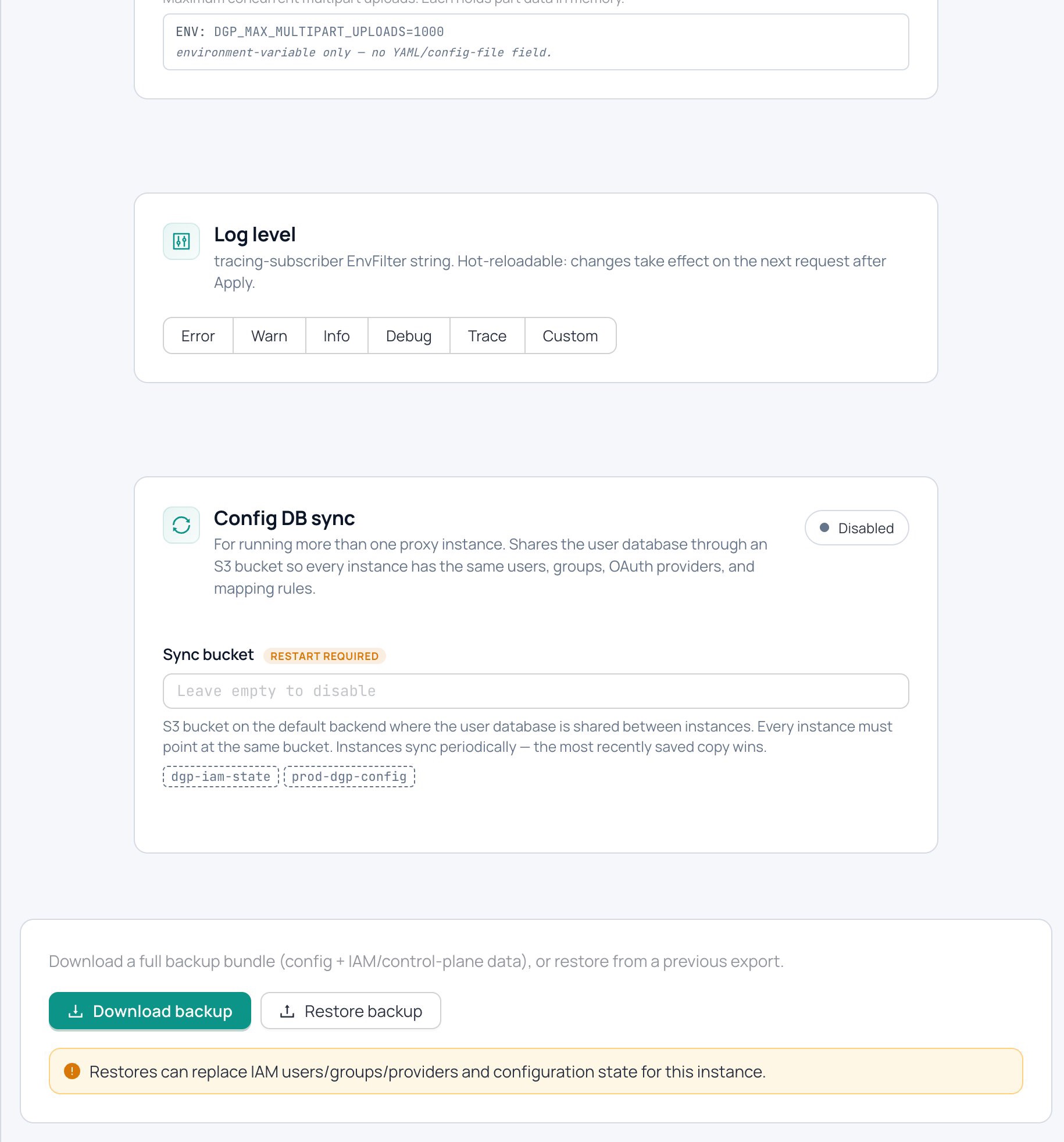
From the admin UI: Settings → System → Backup → Export. Or via API:
curl -b /tmp/admin.cookies \
  "https://s3.acme.example/_/api/admin/backup" \
  -o dgp-backup-$(date +%Y%m%d-%H%M%S).zip
The zip contains four artefacts, each sha256-listed in the manifest:
manifest.json— version, timestamp, checksumsconfig.yaml— canonical YAML, secrets redactediam.json— users, groups, OAuth providers, mapping rules, external identitiessecrets.json— plaintext infra secrets: bootstrap hash, OAuth client_secrets, storage creds
secrets.json makes the zip a keystore — treat it like one. Store it encrypted, off the host, somewhere the upgrade or incident you're protecting against can't reach. Take a fresh one after any password change: the zip carries both the bootstrap hash and the encrypted DB, so a fresh instance can be reconstituted from it alone.
Restore a Full Backup#
curl -b cookies -X POST \
  -H "Content-Type: application/zip" \
  --data-binary @dgp-backup-20260612-090000.zip \
  https://s3.acme.example/_/api/admin/backup
The import is atomic: all four parts are unpacked and sha256-verified before any state changes. external_identities are remapped through the imported user and provider IDs, so OAuth users keep working. A legacy JSON-only body is still accepted for IAM-only restores from pre-v0.8.4 scripts.
If you're restoring onto a fresh instance and the import fails with a SQLCipher error, the new instance's bootstrap password doesn't match the DB. Inject the original DGP_BOOTSTRAP_PASSWORD_HASH (it's in the zip's secrets.json) before retrying.
Snapshot the DB file#
deltaglider_config.db is safe to copy at the file level — it's encrypted at rest. The snapshot is only useful if the bootstrap password is preserved with it: the password derives the DB encryption key. Snapshot the file, store the password (or hash) in your secret manager, and the pair restores onto any instance.
The xattr warning (filesystem backend)#
If you back up a filesystem backend's data directory with file copies, your tool must preserve extended attributes — per-object metadata lives in the user.dg.metadata xattr on each file's inode. A tool that copies contents but drops xattrs (older rsync without -X, many archive tools) produces a restore where encrypted objects fail to read and delta objects lose their metadata.
rsync -aX /var/lib/deltaglider_proxy/data/ /backup/dgp-data/ # -X = preserve xattrs
The classic symptom after a bad restore: reads return 500 with "xattrs may have been stripped during backup/restore" — see Troubleshooting.
Verify#
After a restore:
# Health
curl -s https://s3.acme.example/_/health

# IAM users came back
curl -b cookies https://s3.acme.example/_/api/admin/users | jq '.[] | .name'
# expect: ci-uploader, backup-bot, dana, ...

# A known object still reads byte-identical
aws --endpoint-url https://s3.acme.example s3 cp s3://releases/known-file ./out
sha256sum out   # matches the recorded checksum
And log in to the admin UI with the bootstrap password — if that works, the DB and hash are in agreement.
Related#
- How to upgrade the proxy — backup is step 1 of every upgrade
- How to run multiple instances (HA) — what config sync is actually for
- Admin API reference — backup endpoint details
- Troubleshooting — SQLCipher and xattr failure symptoms